Corporate video editing is where raw footage becomes a clear, polished piece of business communication. The filming matters, but the edit determines how the story flows, what the viewer sees, how professional the finished video feels and whether the content works on the platforms where it will actually be watched.
A corporate video might be a company overview, customer testimonial, interview, recruitment film, training video, event recap, product demonstration or a series of short clips for social media. Each format needs a slightly different approach, but the fundamentals remain the same: strong structure, clean audio, consistent branding, purposeful visuals and an edit that respects the viewer's time.
This guide explains the complete corporate video editing process, what businesses should prepare before an edit begins, the technical and creative decisions involved, and how one set of footage can be turned into a wider library of useful marketing content.
In this guide
- 🎬What is corporate video editing?
- 🏢Types of corporate video
- 🔄The editing process
- ✂️Story, structure and pacing
- 🎧Audio and music
- 🎨Colour correction and grading
- ✨Graphics and branding
- 💬Captions and accessibility
- 📱Video formats and platforms
- ♻️Repurposing corporate video
- 🤖AI in video editing
- 💷What affects editing cost?
- 👤Choosing a video editor
- 📁Preparing your footage
- ❓FAQs
🎬 What Is Corporate Video Editing?
Corporate video editing is the post-production process of transforming footage recorded for a business or organisation into finished video content. It involves much more than cutting the beginning and end off a recording.
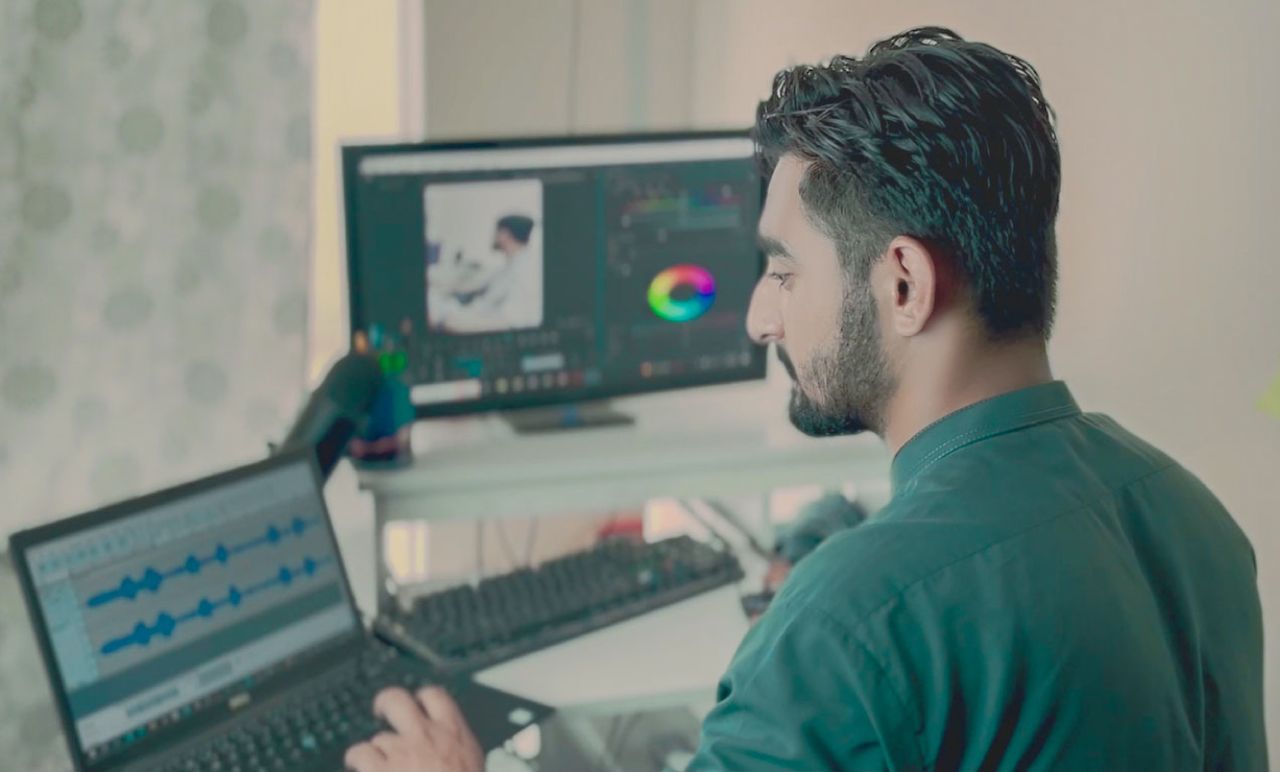
An editor may need to review hours of footage, select the strongest moments, build a narrative, remove mistakes and repetition, synchronise multiple cameras, improve audio, balance colour, add titles and branded graphics, source suitable music, create captions and export different versions for several platforms.
The goal is not to add effects for the sake of it. Good corporate editing should make the message easier to understand while keeping the presentation consistent with the business behind it.
If you are looking for editing support rather than a guide to the process, see my professional video editing services and examples of completed work in my video editing portfolio.
🏢 What Types of Corporate Videos Can Be Edited?
“Corporate video” covers a surprisingly wide range of content. A business does not need to be a large corporation to benefit from professionally edited video.
Interviews
Leadership interviews, expert commentary and talking-head content can be tightened with B-roll, graphics and multiple camera angles.
Customer testimonials
Long customer conversations can be shaped into concise stories focused on the problem, experience and outcome.
Recruitment videos
Culture, employee interviews and workplace footage can help communicate what it is like to work for the organisation.
Training content
Internal training, onboarding and educational recordings can be divided into clear chapters with titles and supporting visuals.
Events
Conferences, exhibitions and company events can become highlights films, speaker clips and social content.
Marketing videos
Campaigns, service explainers, product demonstrations and brand videos can be adapted for websites, ads and social channels.
The intended use should be agreed before editing begins. A three-minute company overview for a website requires a different pace from a 30-second social advertisement, even if both are created from the same source footage.
🔄 The Corporate Video Editing Process
A structured editing process keeps the project efficient and makes feedback easier for everyone involved.
Organising the footage
The first stage is understanding what has been supplied. Footage may come from several cameras, microphones, screen recordings, drones, smartphones or online meetings. Files need to be organised so that relevant takes, speakers and supporting footage can be found quickly.
Building the rough cut
The rough cut establishes the basic content and structure. At this point, the priority is normally the message rather than perfect colour, transitions or animation. Removing weak takes and unnecessary repetition early prevents time being spent polishing material that will eventually be removed.
Refining the edit
Once the structure is agreed, the edit can be tightened. Pauses can be shortened, B-roll introduced, graphics placed and transitions refined. The aim is to create a natural rhythm without making speakers sound artificially rushed.
Review and revisions
Client review should happen at defined stages. Consolidated feedback is usually much easier to action than separate comments arriving from several stakeholders at different times.
For examples of how video and digital work can be applied across different organisations, browse my case studies.
✂️ Story, Structure and Pacing
The most technically perfect footage can still become an ineffective corporate video if the story has no focus.
Before editing, define what the viewer should understand or do after watching. Is the purpose to explain a service, establish trust, attract applicants, teach a process or encourage an enquiry?
For interview-led videos, the strongest final structure does not always follow the order in which questions were asked. Answers can often be rearranged into a more logical narrative while preserving their original meaning.
Start with something worth watching
Corporate videos do not always need a dramatic social-media hook, but the opening should give the viewer a reason to continue. Avoid spending the first 20 seconds on a logo animation when the audience could already be hearing the most useful or interesting point.
Remove repetition
People naturally repeat themselves during interviews. Editing allows several minutes of discussion to become a much shorter and clearer answer without changing what the speaker intended to say.
Use B-roll purposefully
B-roll can hide edits, provide context and make an interview visually more interesting. For a manufacturer this might show equipment and production; for a professional service it could show the team, office, client interaction or relevant detail shots.

🎧 Why Audio Is So Important
Viewers may tolerate an imperfect camera angle more readily than dialogue that is difficult to understand. For interview and educational content, speech is often the most important element in the entire video.
Post-production can improve consistency between speakers, reduce some background noise, balance levels and combine audio captured by different microphones. However, editing cannot completely rescue every poor recording, which is why good microphone placement during filming remains important.
Music should support, not compete
Background music can give a video pace and emotional tone, but it should sit underneath dialogue rather than fighting it. Corporate music also needs to be appropriately licensed for the intended use.
If a video may later be used in paid advertising, broadcast or several different marketing channels, clarify those uses before licensing music or stock assets.
🎨 Colour Correction vs Colour Grading
These terms are often used interchangeably, but they describe related stages.
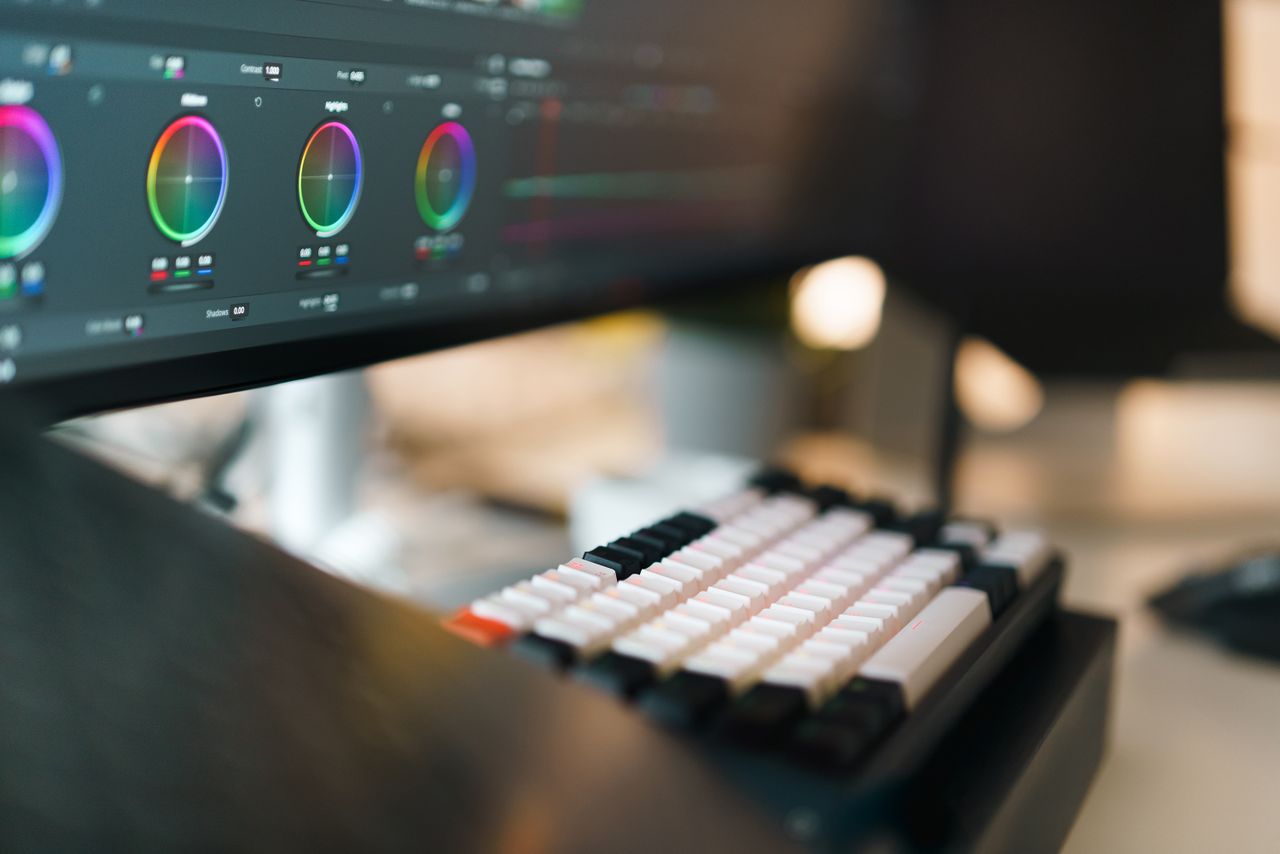
Colour correction is primarily about consistency and accuracy: correcting exposure, white balance and differences between cameras. Colour grading is more creative and establishes the final visual character of the video.
A corporate grade generally benefits from consistency rather than an extreme stylised look. Skin tones should appear natural and brand colours should not be distorted unnecessarily.
✨ Branding, Titles and Motion Graphics
Graphics help viewers understand who is speaking, what section they are watching and what action to take next.
Common corporate graphics include:
- Logo animations and end cards.
- Speaker names and job titles.
- Section headings.
- Statistics and key messages.
- Call-to-action screens.
- Website addresses and contact details.
- Animated diagrams or process graphics.
The design should reflect the existing visual identity. Fonts, colours, logo treatment and animation style should feel like an extension of the company's website and wider marketing rather than a completely separate brand.
💬 Captions, Subtitles and Accessibility
Captions are an important part of professional video production. The W3C's Web Accessibility Initiative explains that captions provide a synchronised text version of speech and important non-speech audio information, enabling people who are Deaf or hard of hearing to access the content. It also notes that captions can help people watching in environments where they cannot hear the audio.
The W3C guidance on captions and subtitles is a useful reference when planning accessible video.
Captions can be delivered in different ways. Open captions are permanently visible within the video, while closed captions can be switched on and off when the platform supports them. For social cut-downs, styled open captions are often used because the editor can control their appearance. For accessible long-form content, a separate accurate caption file can offer more flexibility.
📱 Edit for the Platform, Not Just the Master Video
One export should not automatically be uploaded everywhere. Different channels use video in different ways, and framing that works on a widescreen website video may perform poorly when simply squeezed into a vertical social layout.
| Use | Common Approach | Editing Consideration |
|---|---|---|
| Website | Landscape / responsive embed | File performance, context and clear CTA |
| YouTube | Often 16:9 long-form | Strong opening, chapters/structure and clean master |
| Landscape, square or vertical depending on use | Safe zones, captions and concise messaging | |
| Instagram / Facebook Reels | 9:16 vertical | Reframe subjects, protect interface safe zones |
| Presentation / event screen | Usually landscape | Venue resolution, playback system and legibility |
YouTube's current upload guidance recommends MP4, H.264 video and 48 kHz audio, and advises uploading content at the same frame rate it was recorded. Its standard desktop aspect ratio is 16:9, although the player adapts to other aspect ratios. See YouTube's recommended upload settings.
LinkedIn's current video guidance supports a broad range of aspect ratios and resolutions and recommends keeping important text and logos away from interface overlays. See LinkedIn's video requirements.
For Reels, Meta specifically discusses vertical 9:16 creative and keeping important elements inside the safe zone. See Meta's Reels guidance.

♻️ Turn One Corporate Shoot Into Multiple Pieces of Content
One of the biggest advantages of planning video properly is that a single recording session can create much more than one finished video.
For example, a 30-minute interview with a managing director could produce a three-minute company film, several 30–60 second expert clips, a recruitment quote, vertical social videos and shorter sections embedded into relevant website pages.
This is much more efficient than treating every channel as a completely separate filming project. It also gives the business a consistent message across its content.
Plan the cut-downs before filming
Repurposing works best when it is considered during production. If vertical content is required, frame interviews and B-roll with enough space for a vertical crop. If you want short standalone clips, ask questions that encourage concise answers that make sense without the full interview.
🌐 Using Corporate Video on Your Website
Video can support service pages, case studies, landing pages and about pages, but it should complement the page rather than replace useful written content.
A homepage background video might establish atmosphere, whereas a customer testimonial can provide proof close to a conversion point. An explainer video may help communicate a complicated service more quickly.
Performance matters too. Large self-hosted files can increase page weight, particularly on mobile connections. Choose the delivery method and compression according to the role of the video rather than exporting the largest file possible.
🤖 How Is AI Changing Corporate Video Editing?
AI-assisted editing can speed up several repetitive parts of post-production. Depending on the software, editors can use automated transcription, silence detection, speech enhancement, reframing, object masking and searchable transcripts.
This can make large amounts of interview footage faster to navigate. A transcript, for example, allows an editor to find a particular answer without repeatedly scrubbing through an hour-long recording.
AI is less reliable as a replacement for editorial judgement. A system may identify pauses or generate a short clip, but it does not necessarily understand the nuance of a company's message, which quote a client would be comfortable highlighting or where an intentional pause adds meaning.
Good use of AI
Transcription, searching footage, repetitive cleanup, first-pass captions and technical assistance.
Human judgement
Narrative, brand tone, sensitive edits, humour, pacing, emotional context and final quality control.
⏱️ How Long Does Corporate Video Editing Take?
Turnaround depends on much more than the finished runtime. A two-minute video built from several hours of interviews can require more editing than a ten-minute presentation recorded cleanly in one take.
Factors include the volume of source footage, number of cameras, audio quality, motion graphics, caption requirements, number of output formats and the revision process.
Businesses can help keep projects efficient by providing organised assets, one clear brief and consolidated feedback from stakeholders.
💷 What Affects Corporate Video Editing Cost?
Corporate editing is difficult to price accurately by final video length alone. Two five-minute videos can involve completely different amounts of work.
| Factor | Why It Changes the Workload |
|---|---|
| Source footage | More footage takes longer to review, organise and select. |
| Number of cameras | Multi-camera projects require syncing and angle selection. |
| Audio | Poor or inconsistent recordings can require additional cleanup. |
| Motion graphics | Custom animation adds design and production time. |
| Captions | Transcription, timing and accuracy checking require additional work. |
| Versions | Landscape, square and vertical edits require reframing and quality control. |
| Revisions | Multiple feedback rounds increase editing time. |
| Turnaround | Urgent deadlines may require the project to be prioritised. |
For businesses producing content regularly, it can sometimes make more sense to establish a repeatable editing style and ongoing workflow rather than briefing every video from scratch.
👤 How to Choose a Corporate Video Editor
Editing software is only one part of the decision. Look at whether the editor understands business communication and can work within an existing brand.
Useful questions include:
- Have they edited interviews, testimonials or business content before?
- Can they create versions for different social platforms?
- How are revisions and feedback handled?
- Can they work with your existing brand guidelines?
- Do they offer captions and subtitles?
- Can they handle multiple cameras and separate audio?
- How are project files and footage transferred?
- What is included in the final delivery?
A portfolio is useful, but look beyond flashy transitions. Listen to dialogue, watch the pacing and notice whether the graphics support the content. You can view examples in my video editing portfolio or explore broader project work through my case studies.
📁 How to Prepare Footage for a Video Editor
A well-prepared handover can reduce unnecessary questions and help the editor spend more time on the creative work.
- Supply original camera files rather than compressed messaging-app versions.
- Keep filenames and folder structures intact where possible.
- Include separate audio recordings.
- Provide logos in high-quality or vector formats.
- Supply brand fonts, colours and guidelines.
- Include names and job titles for anyone appearing on screen.
- Identify any footage that must or must not be used.
- Explain the target audience and purpose.
- List required platforms and aspect ratios.
- Provide examples of relevant existing brand content.
- Confirm the call to action.
- Nominate one person to consolidate feedback.
Do not over-direct the edit before it starts
A useful brief explains the objective, audience, essential content and brand requirements. It does not necessarily need to prescribe every cut or transition. Giving the editor room to solve the creative problem can produce a stronger result.
🚫 Common Corporate Video Editing Mistakes
Too long
Keeping material because it was expensive to film rather than because the viewer needs it.
Too many effects
Transitions and animation become distracting rather than supporting the message.
Poor audio
Dialogue levels vary between speakers or music competes with the interview.
No platform plan
A landscape master is uploaded unchanged to every channel without considering framing.
Weak branding
Fonts, colours and graphics do not match the company's established identity.
Endless revisions
Stakeholders provide conflicting feedback rather than agreeing one consolidated response.
✅ Corporate Video Editing Checklist
- Define the video's purpose and target audience.
- Agree the primary platform and final runtime.
- Organise original footage and audio.
- Build the story before polishing effects.
- Prioritise clear dialogue.
- Use B-roll to add context and cover appropriate edits.
- Correct colour between cameras.
- Apply brand graphics consistently.
- Create and proofread captions.
- Check music and stock licensing.
- Create platform-specific versions where required.
- Keep key graphics inside safe areas.
- Review the final export before publishing.
- Consider additional clips that can be repurposed from the footage.
❓ Corporate Video Editing FAQs
What is included in corporate video editing?
Can I send footage to an editor remotely?
How long should a corporate video be?
Can one corporate video be edited for social media?
Should corporate videos have captions?
Can poor-quality footage be improved during editing?
What files should I send to a corporate video editor?
Final Thoughts: Corporate Video Editing Is About Communication
Professional corporate video editing is not simply the final technical step after filming. It is where the message is shaped, unnecessary material is removed and the footage becomes something an audience can understand and act on.
The strongest projects start with a clear objective and consider the edit before the cameras begin recording. That makes it easier to capture useful B-roll, frame footage for multiple formats and gather enough material to create more than one piece of content.
Whether the finished video is a company overview, testimonial, interview, training resource or social campaign, the same principle applies: every edit should have a reason to be there.
Need Help Editing Your Corporate Videos?
I provide professional video editing for businesses, including corporate films, interviews, testimonials, social media content, captions and branded video assets.
Video Editing Services → View Video Editing Work →