

Why limit your product pages?
Ever visited an online store and thought something’s missing? You scroll down a product page. Description. Reviews. Maybe an extra detail or two. But that’s it. No guide. No specs. No answers to the questions in your head. Frustrating, right?
That’s the problem most WooCommerce stores face. The product pages feel flat. Lifeless. They show only the basics. And customers? They want more. Much more. Size guides. Shipping info. Ingredients. Care instructions. Warranty. The list goes on.
So, how do you give them all that without turning your product page into a giant wall of text? Simple. You organize it. Clean. Structured. Professional. And that’s exactly what a WooCommerce product tabs plugin does. It gives your product page a fresh structure. A way to present content that feels smart. Natural. Easy to navigate.
Think of them as little doors on your product page. Click one. Step in. You find details. Click another. You discover something new. Customers don’t scroll endlessly. They tap or click. Done.
WooCommerce by default? Pretty limited. You get the description. A little info box. Reviews. That’s all. But with tabs? You can create your own—as many as you need. And you decide what to put inside. Text. Images. Tables. Even videos.
Imagine selling clothes. One tab for “Size Chart.” Another for “Fabric Care.” Selling electronics? Add “Specifications” and “Warranty.” Selling supplements? “Ingredients” and “Usage Guide.” It all fits neatly. Customers feel guided instead of lost.
Online shopping is all about trust. If buyers don’t see the details they need, they hesitate. And hesitation kills sales.
Custom tabs fix this. They make product pages feel complete. They show buyers you’ve thought of everything. And the beauty? They simplify navigation. Instead of a messy description stuffed with every piece of info, you break it down. Organized. Clear.
There’s another angle. SEO. Search engines love structure. Tabs allow you to organize headings, keywords, and data in a way that Google understands. Better indexing. Better ranking. More eyes on your products.
So, it’s not just about looks. It’s a strategy.
Now, not every plugin is worth your time. Some give you too little. Some overcomplicate. Here’s what you should look for.
Miss one of these? You’ll regret it later.
Why I Needed Tabs
Let me tell you something. A friend of mine runs a small online clothing store. At first, she used plain WooCommerce product pages. Descriptions were long. Messy. Customers kept emailing her—What’s the size? How do I wash this? Does it shrink?
She was frustrated. Every question meant wasted time. Then she installed a product tabs plugin. Suddenly, everything changed. She added a “Size Guide” tab. A “Care Instructions” tab. Even a “Shipping Info” tab. Guess what? Emails dropped. Sales went up. Customers stayed longer on the page.
Sometimes, it’s the little changes that make the biggest difference.
Alright, let’s talk tools. You can’t do this without a plugin. And yes, there are many out there. But not all deserve your attention. Here are the best ones worth mentioning.
WooCommerce Product Tabs (by Motif Creatives)
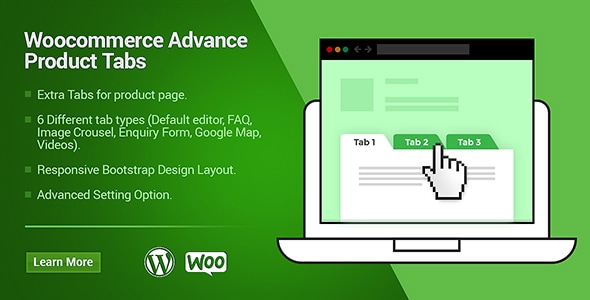
This one is solid. Reliable. You can add unlimited tabs. Global or product-specific. You can even define default tabs that automatically appear on every product. The interface is simple. No fuss. Just add content—text, images, shortcodes—and publish. Done. Perfect for shop owners who want power but also ease.
Custom Product Tabs for WooCommerce
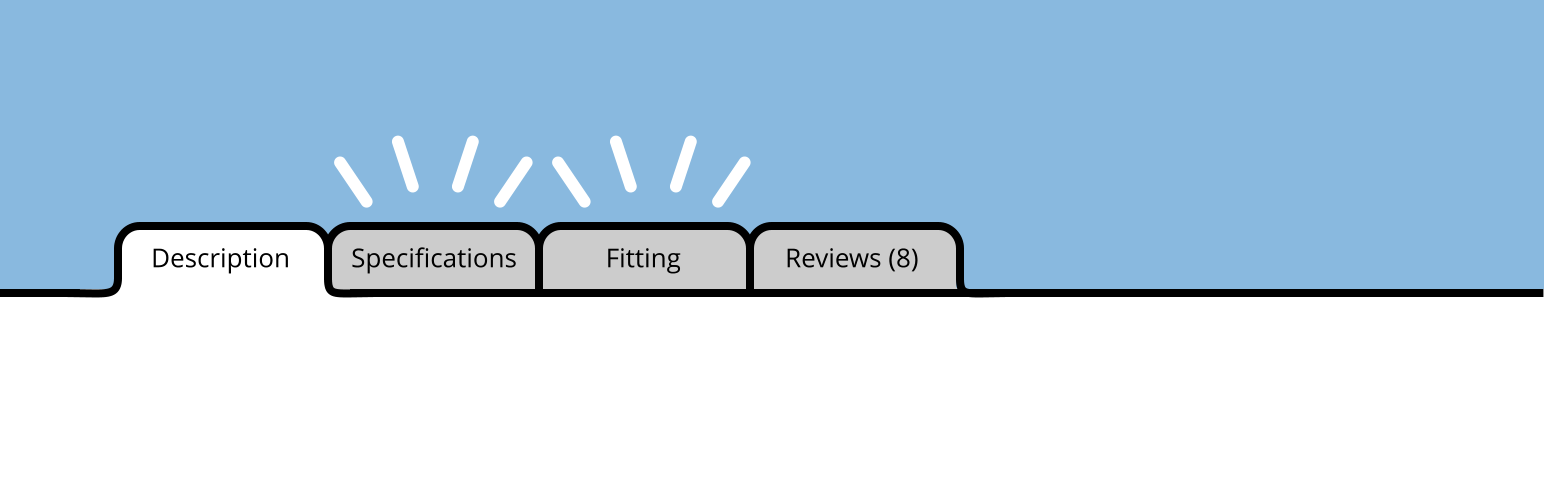
This plugin is lightweight but effective. Add custom tabs quickly. No bloat. The free version works well for small shops. But if you want more—like global tabs and better styling—you can upgrade to Pro. Ideal for people who like simple solutions that work.
YITH WooCommerce Tab Manager

YITH is known for reliable WooCommerce extensions. This one gives you full control. Create global tabs, product-specific tabs, even conditional ones. Rearrange them with drag-and-drop. Strong support. Strong features. If you want something professional with flexibility, this is a safe choice.
Don’t worry. It’s easier than it sounds. Here’s the flow:
That’s it. In less than 15 minutes, you’ll see a whole new layout.
Tabs aren’t just cosmetic. They impact search results. How?
Better SEO means more traffic. More traffic means more potential sales.
Let’s be honest. People mess this up sometimes.
Tabs should guide, not confuse. Keep them clean. Keep them useful.
You’ve got the tool. Now the real question—how do you use it in a way that makes sense? Adding random tabs won’t help. They need to serve a purpose. They need to answer questions, reduce doubts, and build confidence. Let’s break it down.
So, here’s the trick: tabs aren’t about filling space. They’re about solving problems before they appear. Each one should have a reason to exist. If you think from your customer’s shoes, you’ll know exactly what tabs to add.
Here’s the truth. Most WooCommerce stores look alike. Same templates. Same layouts. But small changes make you stand out. Tabs are one of those changes.
They keep your product pages clean. Professional. Easy to use. They build trust. They boost SEO. They answer questions before they’re even asked. That’s powerful.
So, if you’re running a WooCommerce store, don’t ignore this. Install a plugin like WooCommerce Product Tabs or the other solid choices out there. Give your buyers the clarity they need.
Because in e-commerce, clarity isn’t optional. It’s survival.

What Responsible Businesses Do Differently
Find out more about what responsibly businesses do differently so you can do the same.

Replace Add to Cart with Custom Button Based on User Role
This article walks you through how replacing the Add to Cart button based on user roles changes everything. Not just visually, but strategically.

Increase Product Visibility and Click-Through Rate with Attractive Stickers
Stickers, badges, ribbons and labels are not just decoration. They are signals. Quick. Sharp. Effective.