Reaching the checkout page is the moment when a user’s interest is either converted into revenue or disappears. Even small points of friction, such as additional fields, unclear progress, or restricted payment options, can be enough to stop a buyer who was otherwise ready to purchase. Strong checkout design builds confidence and keeps users moving forward.
The checkout page layout and aesthetics influence whether users complete the purchase or abandon the cart. Cart abandonment is one of the biggest issues facing e-commerce. Research by the Baymard Institute shows that the majority of shoppers do not complete checkouts. The average reported cart abandonment rate was 70.22%, with usability issues during the checkout process cited frequently as a reason for abandoning a cart.
Most people who get through your sales funnel and to the checkout are interested in buying. Your design either supports their desire or interrupts it. The following design elements address major pain points and help users complete their tasks.
Avoid a cluttered checkout page with too many choices and visual distractions, as this can encourage users to hesitate or second-guess their purchase. Good checkout flows remove links to other pages and distracting promotional banners.
The visual hierarchy on the page should suggest to the user the next steps and the order to complete them. Strategic incentives can also support conversion at this stage, as first-order discounts encourage users to complete purchases when clearly presented in the checkout experience.
Unclear progress may also lead to a drop-off if users are unsure how many steps remain and suspect the purchase funnel could be long and confusing. Progress indicators counteract this by showing users where they are in the checkout process, such as a label naming the current step and how many steps remain, or a separate progress bar. Progress indicators provide a predictable path to completion, thereby fostering motivation and forward momentum.
Modern consumers see payment flexibility as a core expectation. Peer-to-peer (P2P) and mobile payment applications like Venmo are becoming increasingly popular, with estimates that P2P applications will exceed 102 million users by 2026, alongside a broader trend toward cashless transactions.
Strong checkout pages accommodate customary card payments, digital wallets, peer-to-peer payment applications and installment payments. Accepting many payment methods reduces friction in the purchasing journey and makes it easier for consumers to buy.
Pages that do not aggressively signal security can make users feel insecure when asked to enter sensitive information, even if the page is actually secure. Additional trust signals to reassure the user at this point may include visual evidence of HTTPS, payment logos or short text indicating that the information is secure.
Even subtle cues, such as a lock icon or a short statement about secure processing, increase the likelihood that users will feel safe enough to proceed.
Many customers don’t want to create an account, and requiring them to do so can create friction in their buying process. Guest checkout allows users to complete their purchase without unnecessary commitments. Offer the user a second option to create an account after purchase, without interrupting the process.
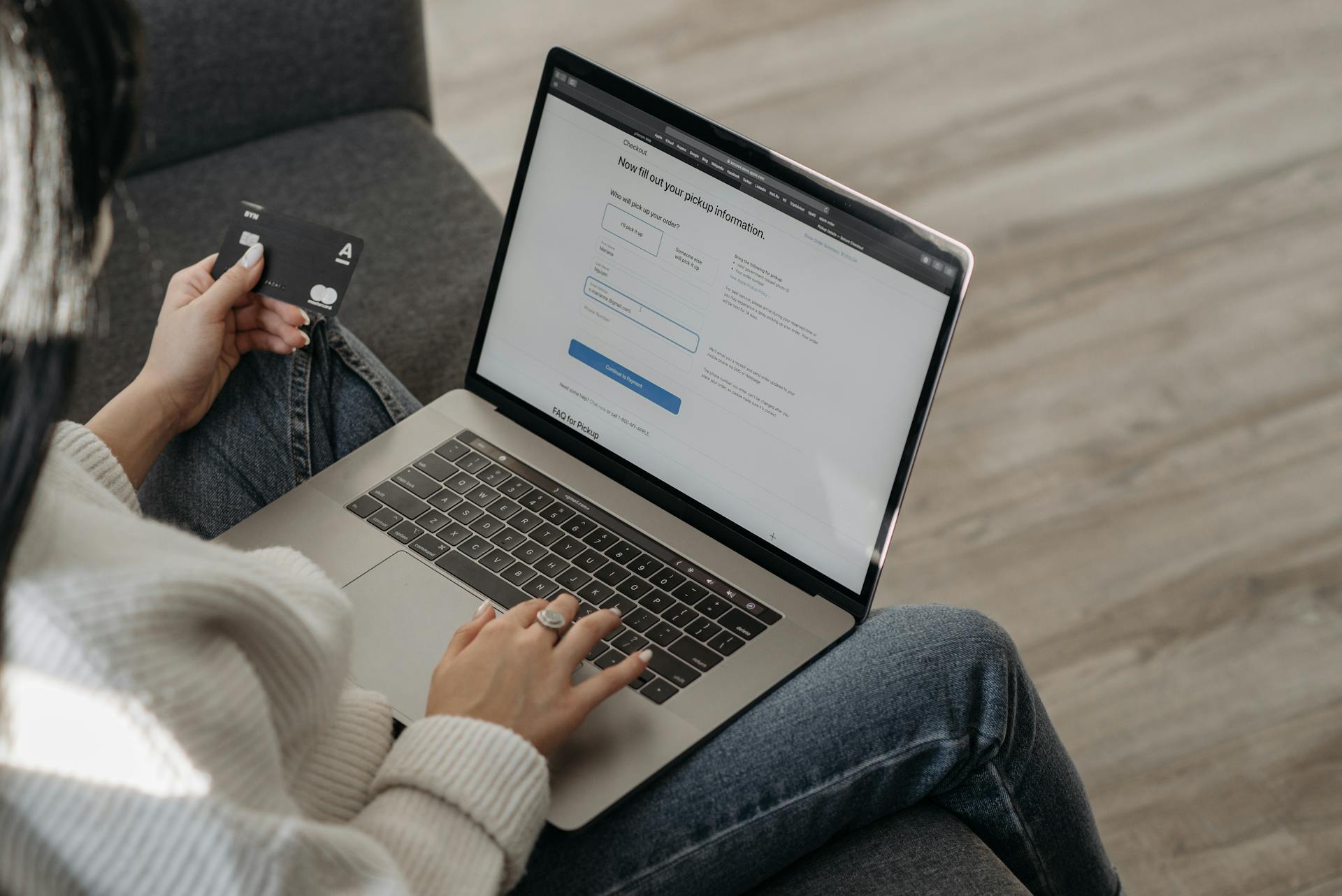
Checkout forms should feel relatively fast and easy to navigate. Long or confusing forms can lead to slowdowns and user errors. Designers can reduce the burden of forms by using autofill, ordering fields naturally, providing validation as fields are filled, and only asking for strictly necessary information.
Form usability also directly impacts conversions by improving the user experience. Simplifying forms and removing unnecessary input fields can greatly increase the likelihood that a checkout will be completed and reduce abandonment rates. When the forms are easy to fill out, the user can move to the last stage.
A checkout page is effective when every design element on the page serves to move the user toward completing the purchase. Choosing the right ecommerce platform also plays a role in checkout performance, as different systems offer varying levels of customization, speed and optimization for conversion-focused design. When each element works together to reduce friction and build trust, the checkout process becomes a natural final step rather than a point of hesitation.
Sign up to receive each new helpful article straight to your inbox!

Why Your Business Needs Third-Party Logistics (3PL)
In this blog, we will look at why outsourcing logistics may be what your business requires.

Why Links Are Not the Only Thing That Matters in SEO Anymore
If your strategy is still focused only on links, you are likely missing a big part of the picture.

How Banner Images in WooCommerce Improve Product Page Engagement
Discover how banner images in WooCommerce boost product page engagement, enhance user experience, and help turn visitors into paying customers.
We’d love to hear what you’re hoping to achieve from your project and any questions that you may have.
Taking the stress out of websites and video content so that you can focus on growing your business.